Create Action Dispatcher
1. In the navigation, click on “Create AD”:

You will see an already prefilled Action Dispatcher, called “ProBinder”:
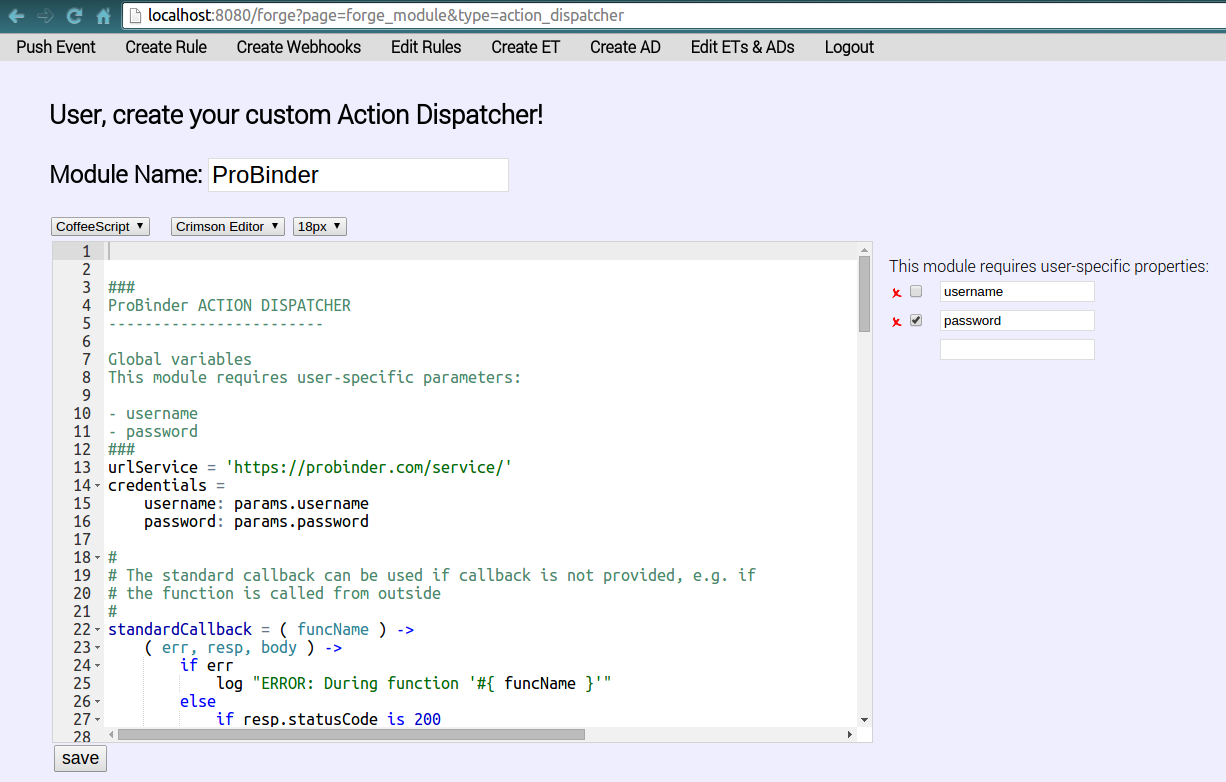
2. Cleanup the editor:
- Remove the entire code from the editor.
- Also remove the prefilled user-specific properties
usernameandpasswordon the right-hand side of the editor, by clicking the red crosses. - Now type your own
Module Name:Logging, instead ofProBinder. For your “Hello World” example you will log a text as a result of an event.
3. Enter Action Dispatcher Module Code that allows you to log things:
exports.writeLog = ( msg ) ->
    log msg
4. Click “save” to store your first Action Dispatcher
The system will respond with the message Module Logger successfully stored! Found following function(s): writeLog:
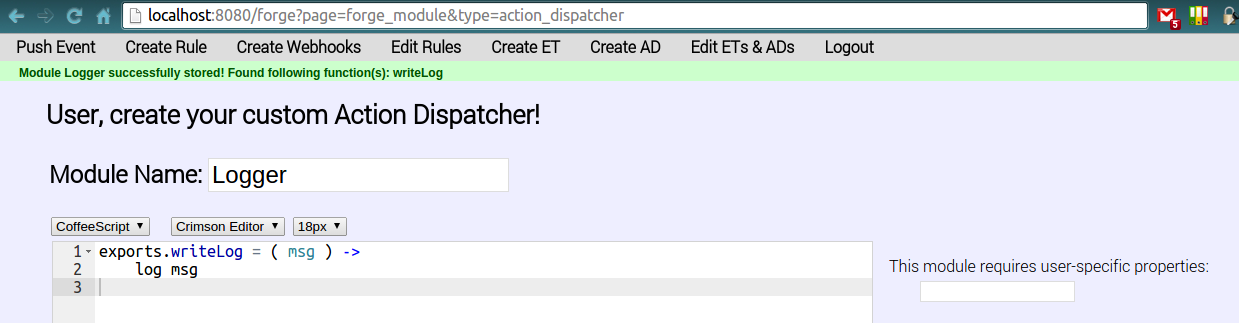
-> Congratulations you stored your first Action Dispatcher!
By the way, what does the Action Dispatcher’s module code mean:
- The module provides one choosable action which is called
writeLog. In a Rule it will be calledLogger -> writeLog. This is achieved by attaching the functionwriteLogto the system internalexportsobject.- The action
writeLogwill receive one argument which we callmsgin the scope of thewriteLogfunction.- Whenever the action
writeLogis executed, it will use the system functionlogto create a log entry of the retrieved argumentmsg, which should be a message in string form.